

Connect the ERP system in your server room to Vault56, without opening the firewall.
The ERP Connector is a small program you install inside your own network. It connects out to Vault56, so no inbound ports are needed, and syncs data between your ERP system and the platform on a schedule or as changes happen.
Available 11 October 2026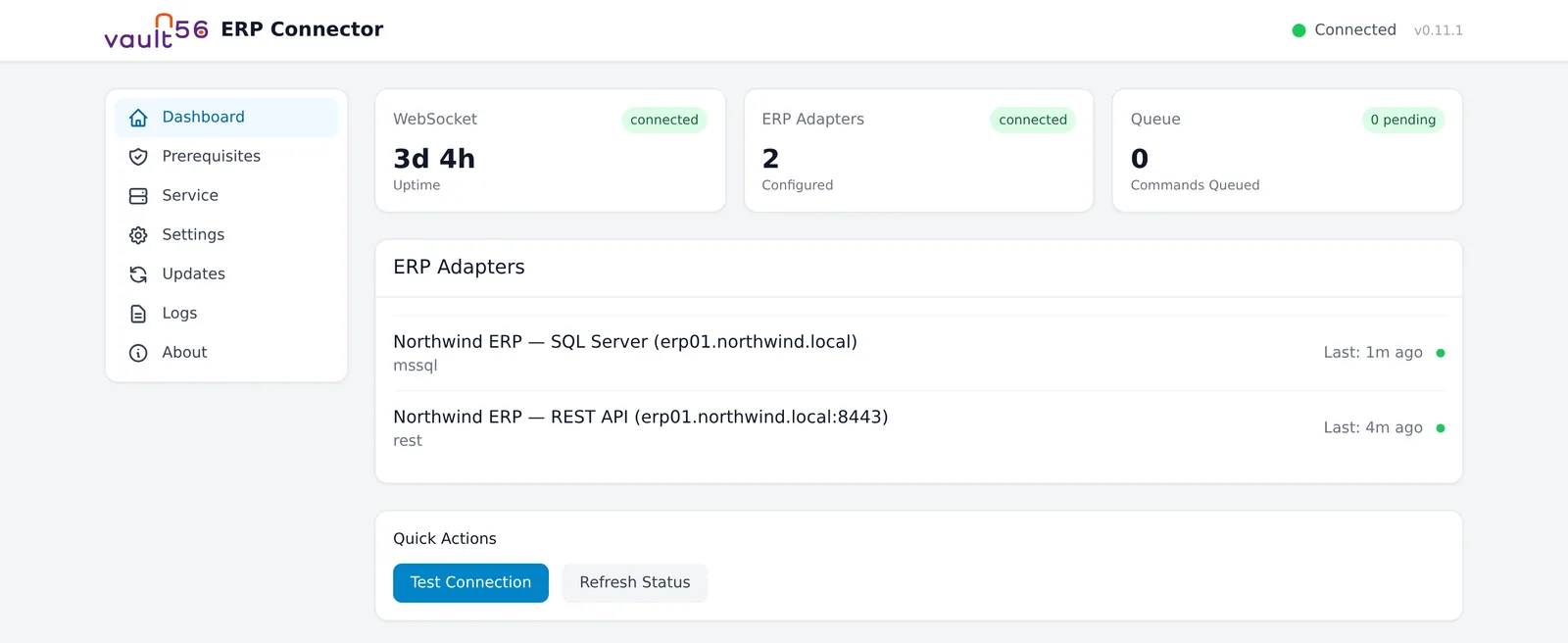
What ERP Connector does
For companies whose ERP or business database sits behind a firewall, and the IT staff who look after it.
Connect
No inbound ports
The connector calls out to Vault56 over an encrypted connection, so NAT and firewalls stay closed.
Talks to your systems
SQL Server, Oracle, REST APIs and event streams, plus ODBC when you need it.
Any login method
Basic, bearer, API key, OAuth2 or tokens that refresh on their own.
Company networks
Proxies, your own certificate authorities, client certificates and rate limits per system.
Sync
Changes pushed up
Detects changes in the ERP and sends them to Vault56 automatically.
One-way or two-way
Choose the direction per mapping: incremental, full, or snapshot comparison that also catches deletes.
Conflict handling
Park conflicts for a person, or let the ERP, Vault56 or the latest change win.
Transform on site
Clean and convert fields before data leaves your network.
Run it and forget it
Works offline
Queues work locally when the connection drops and catches up when it's back.
Signed updates
Checks for new versions, verifies signatures and rolls back if an update fails.
Runs as a service
Windows service, systemd or launchd, with a watchdog that restarts it.
Secrets stay local
Passwords stay on your server and stored tokens are encrypted.
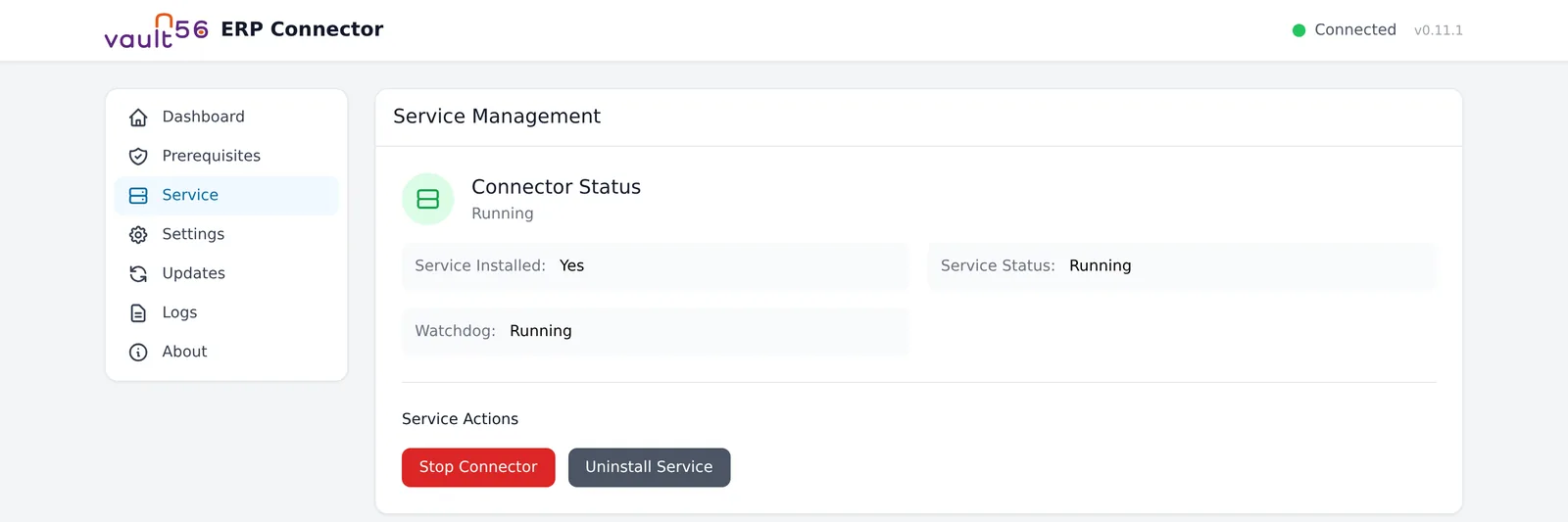
Runs on Vault56
You create an ERP integration in Vault56 and choose the on-premise connector. The connector then signs in, receives its configuration from the platform, and keeps your ERP data in step with Vault56 endpoints that every other app can use.
- Data and APIs (used)
- Accounts and sign-in
- File storage
- Realtime and push
- Workflows and automation (used)
- Functions
- AI
- Agents and devices (used)
- Signed updates (used)
- Marketplace and billing
Get ERP Connector on 11 October 2026
Try the platform today. The products open to everyone on 11 October 2026.