

S3-compatible storage you can run anywhere, with network drives built in.
Titan is distributed object storage that works with the S3 tools you already use. Nodes join and leave on their own, data is spread with erasure coding, and the same buckets can appear as SMB or NFS network drives.
Available 11 October 2026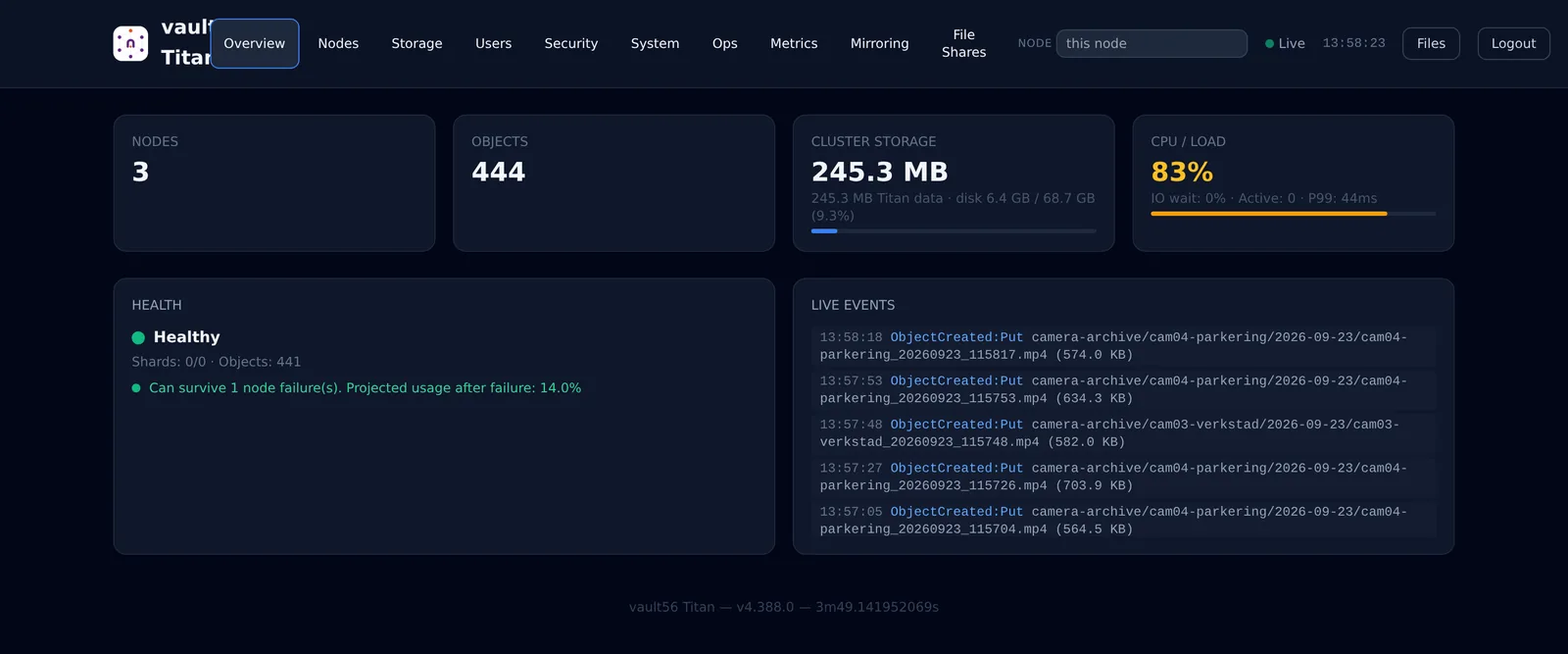
What Titan does
For companies that need S3 storage on their own hardware or in a specific country, service providers, and teams that must keep data unchanged for compliance.
Storage engine
S3 API
All 49 S3 operations, multipart uploads, range reads and presigned links.
Erasure coding
Data is split with parity across disks and nodes, so a lost disk is rebuilt, not lost.
Self-managing cluster
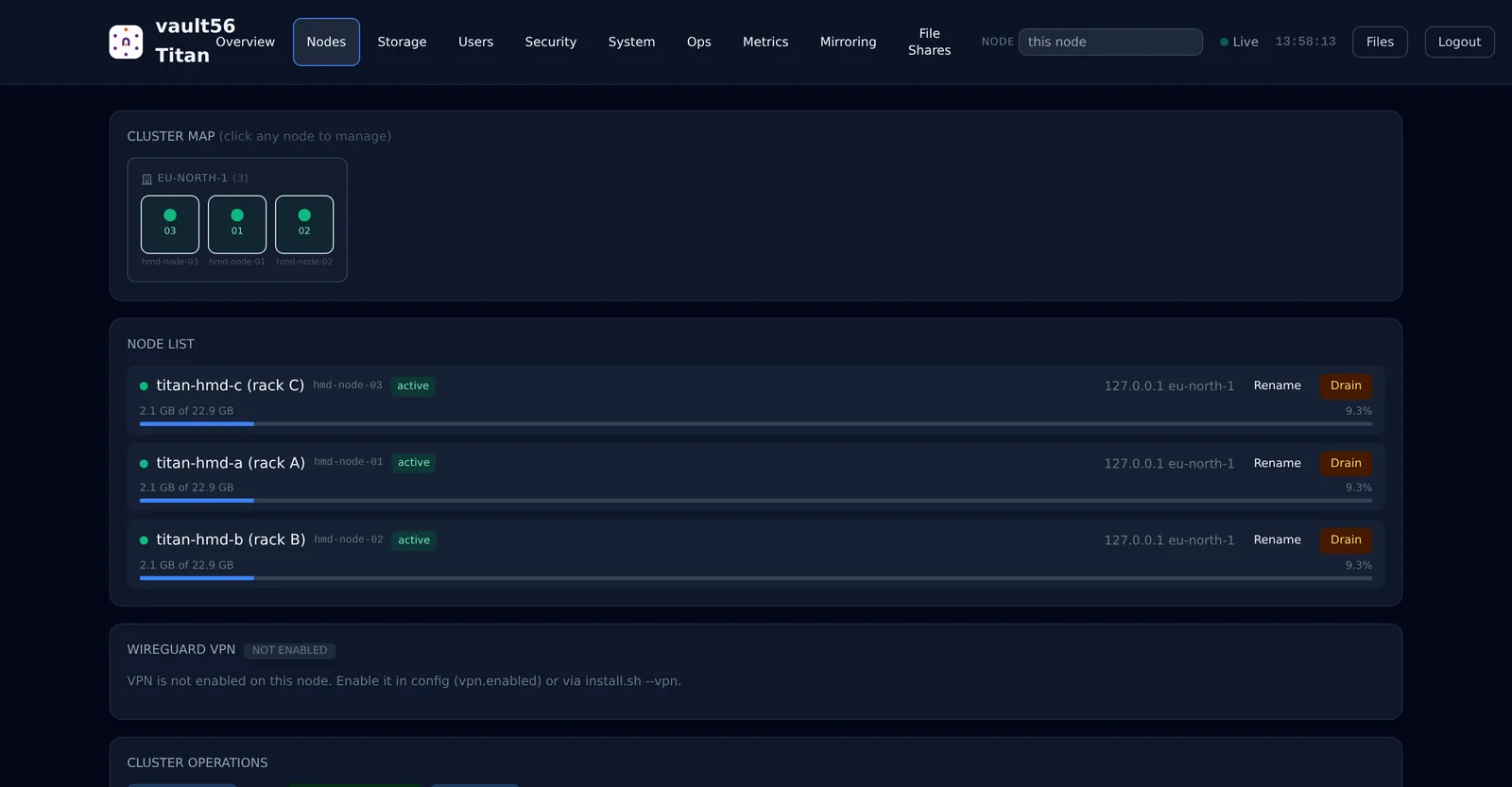
Nodes join, drain and rebalance on their own, and disks can be swapped while running.
Tiers and quotas
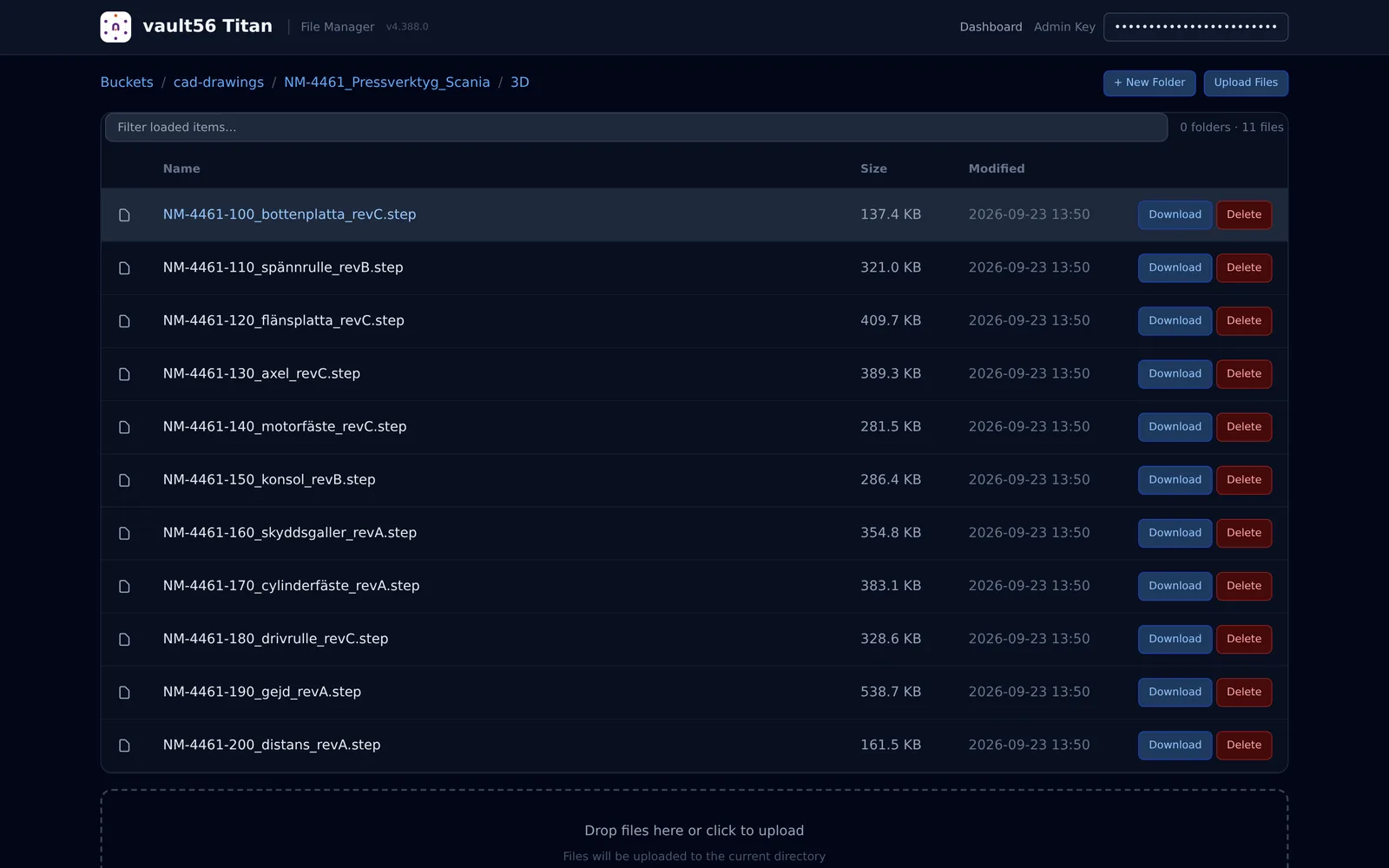
Hot, warm and cold volumes, deduplication, expiry rules and quotas per user or bucket.
Security and compliance
Encryption
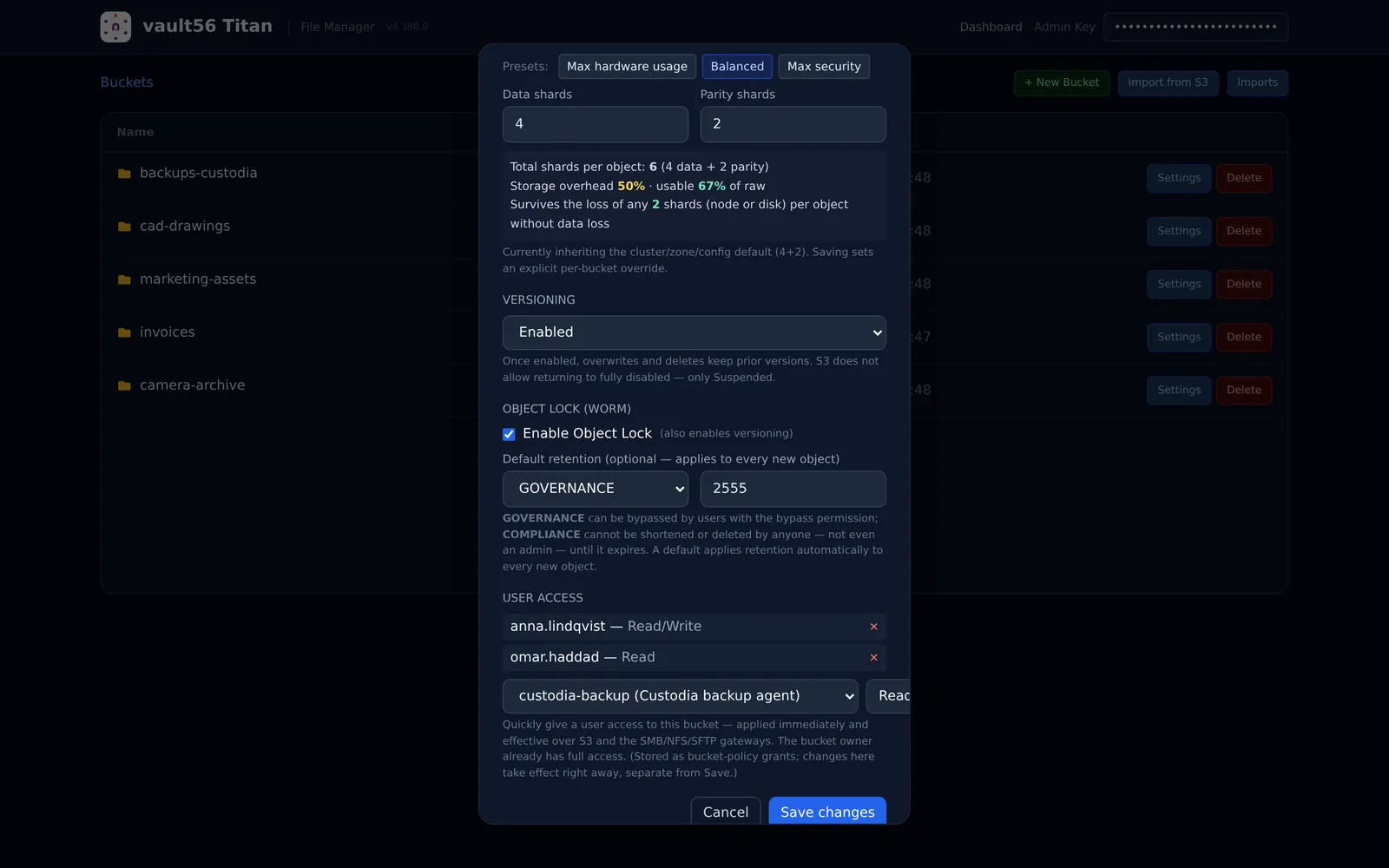
AES-256-GCM on every shard, with keys you hold, or keys in your KMS or HSM.
Write once, read many
Object Lock in governance and compliance mode, legal holds and versioning.
Split key custody
Require several people to unlock the root secret.
Time machine
Rewind a bucket to a point in time, protected by MFA and recorded in a tamper-evident log.
Access and replication
Network drives
Share buckets over SMB and NFS, with SFTP as an option.
Zones and residency
Keep data in the country it belongs to and replicate between zones.
Mirror to other clouds
Copy to AWS, Wasabi, Backblaze, MinIO or Ceph.
Drive on your desktop
Sign in with Vault56, approve the computer, and a network drive appears.
Operations
Dashboard
Live capacity, nodes, volumes, events and rebalancing in the browser.
Metrics and health
Prometheus metrics, health checks and webhooks for events.
Signed self-update
Nodes update themselves and check every release's signature.
Runs on Vault56
Titan is the storage behind Vault56 file storage, and its Object Lock protects Custodia's backups. You can sign in to Titan with your Vault56 account, and nodes receive signed updates from the Vault56 release service.
- Data and APIs
- Accounts and sign-in (used)
- File storage (used)
- Realtime and push
- Workflows and automation
- Functions
- AI
- Agents and devices
- Signed updates (used)
- Marketplace and billing
Get Titan on 11 October 2026
Try the platform today. The products open to everyone on 11 October 2026.