
Every mailbox you own or share, in one inbox.
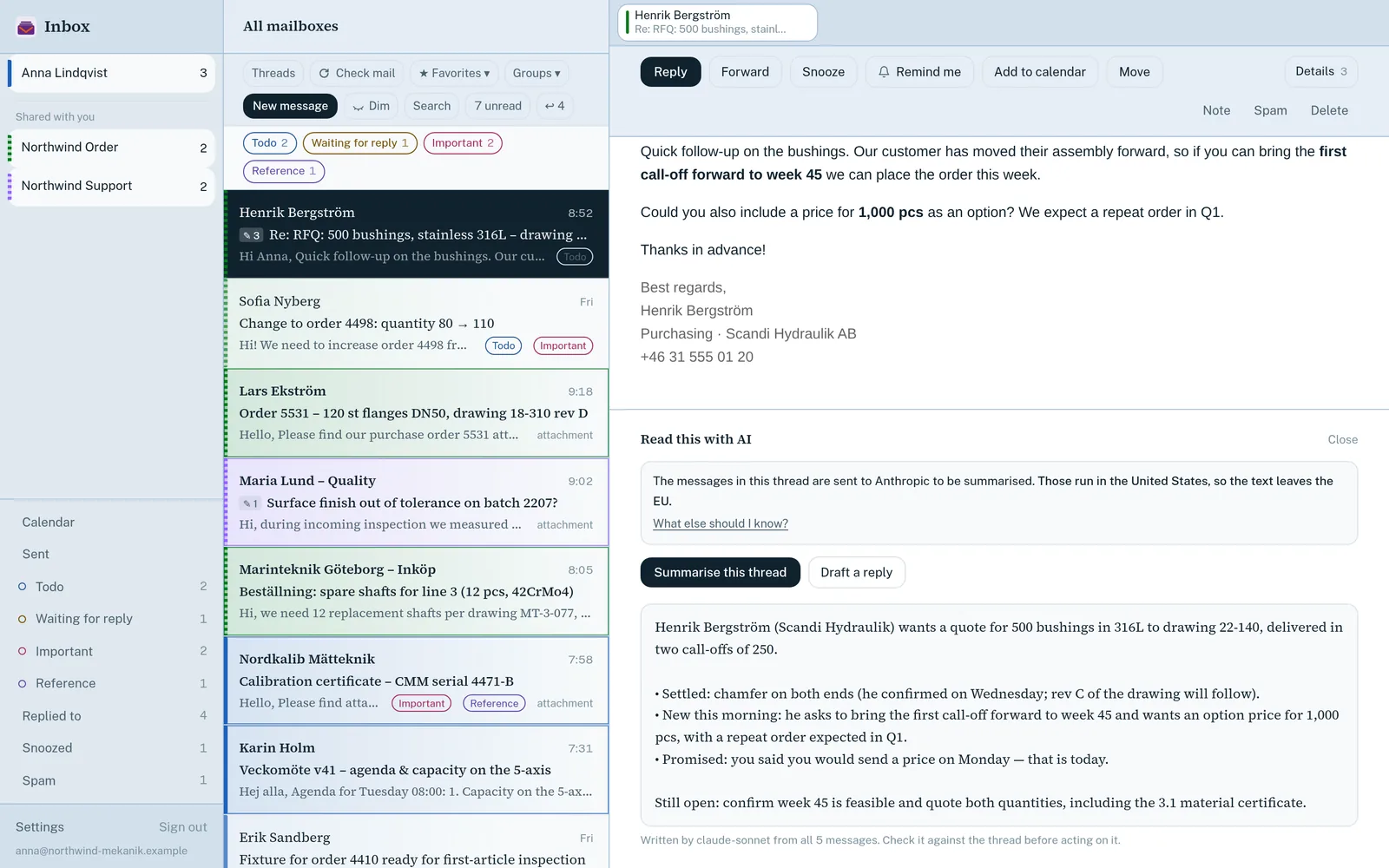
Inbox puts your own mailboxes and the ones colleagues have shared with you into one colour-coded list. It reads mail live over IMAP, so nothing has to sync first, and adds snooze, reminders, team comments and send-later on top.
Available 11 October 2026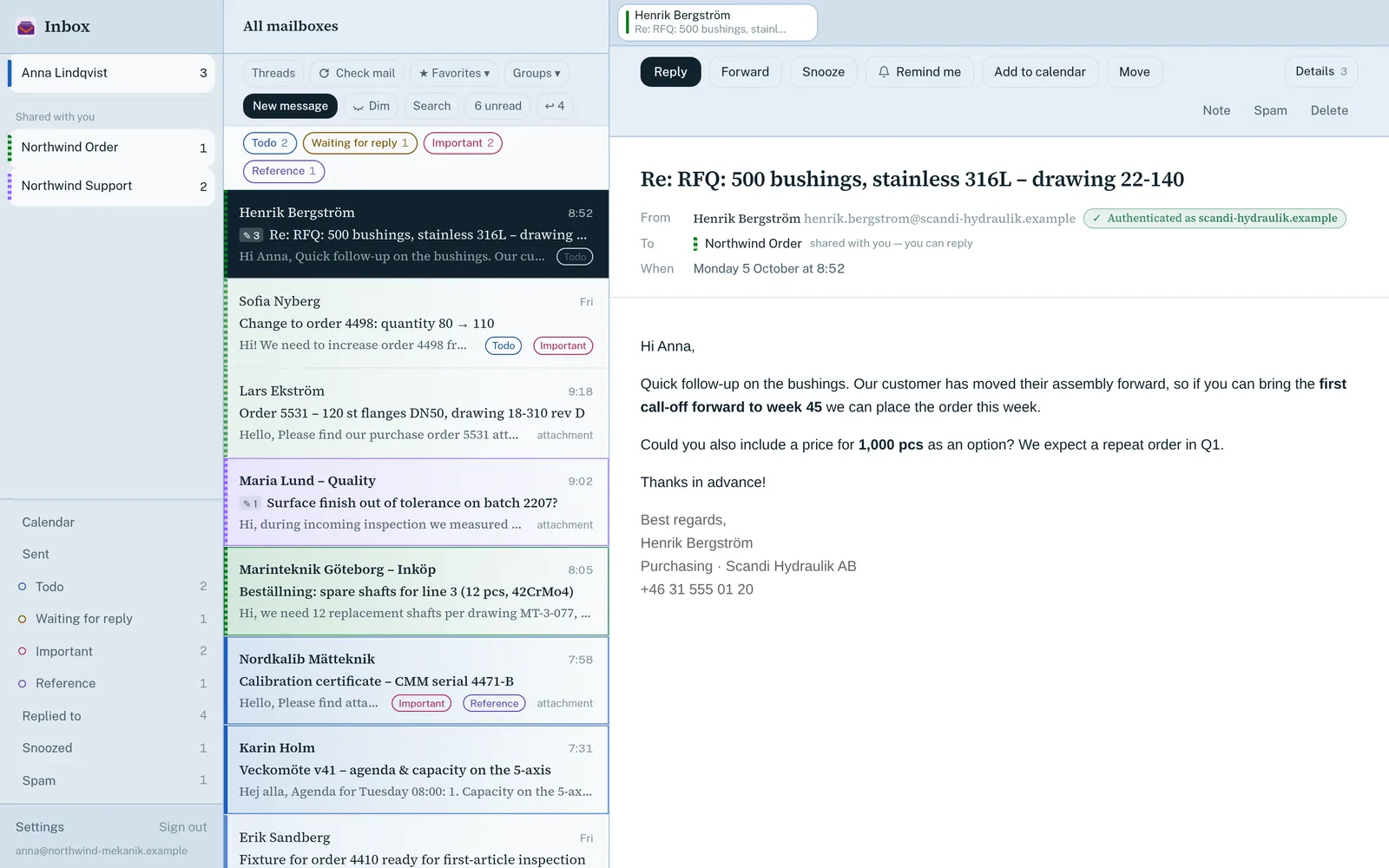
What Inbox does
For people and small teams who handle several addresses, such as a shared support or sales mailbox, or a manager and an assistant.
One inbox
All mailboxes together
Every mailbox you can reach in one list. A mailbox that can't be reached is named, not silently left out.
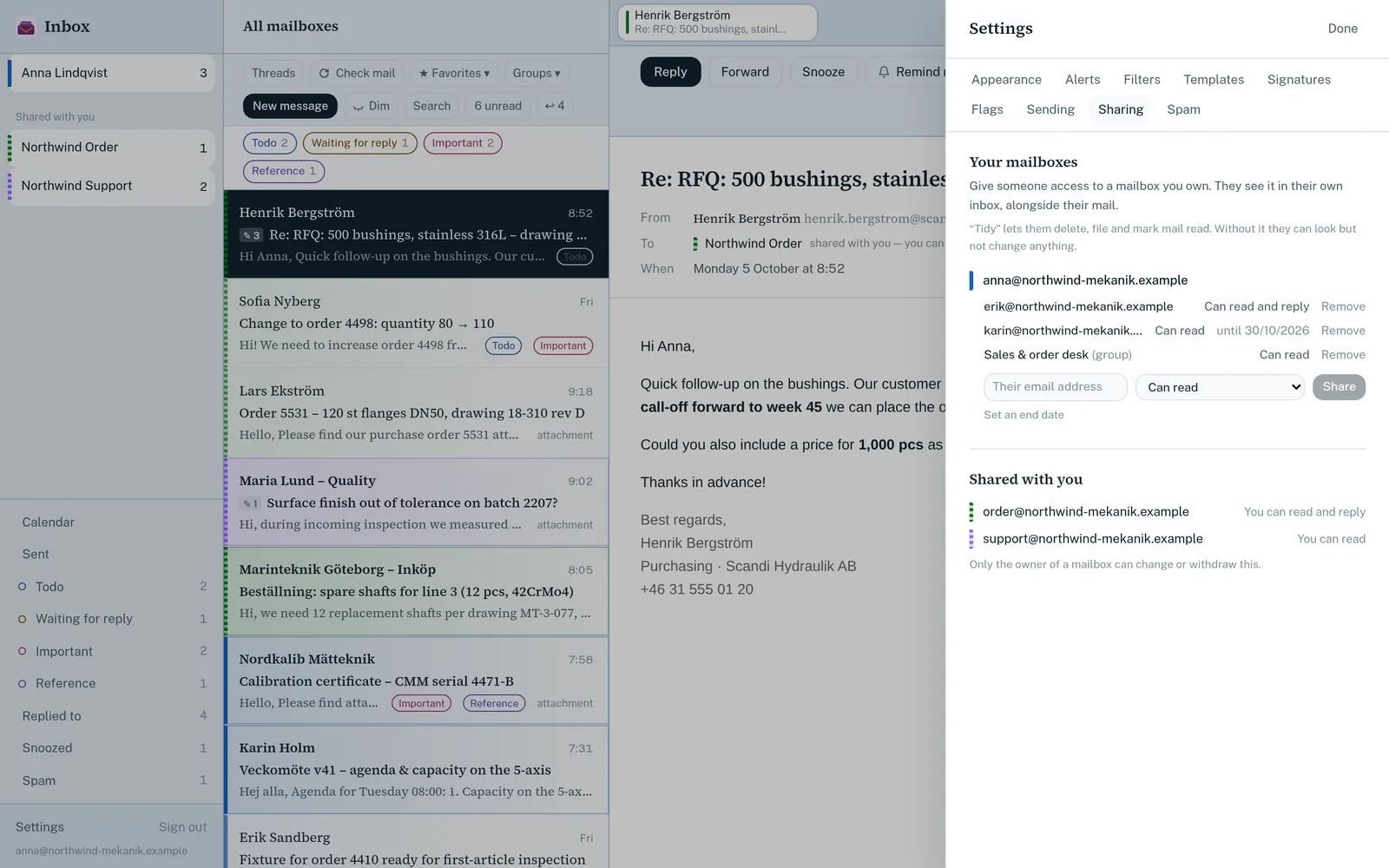
Share a mailbox
Give a person or group read-only or read-and-send access, with an optional end date.
New mail as it arrives
Messages appear the moment they land, with browser notifications you control.
A colour per mailbox
See at a glance which address a message was sent to.
Get through the day
Snooze and reminders
Bring a message back later, or flag it as to-do, waiting or reference.
Team comments
Leave notes and @mentions on a message. They are never sent to the customer.
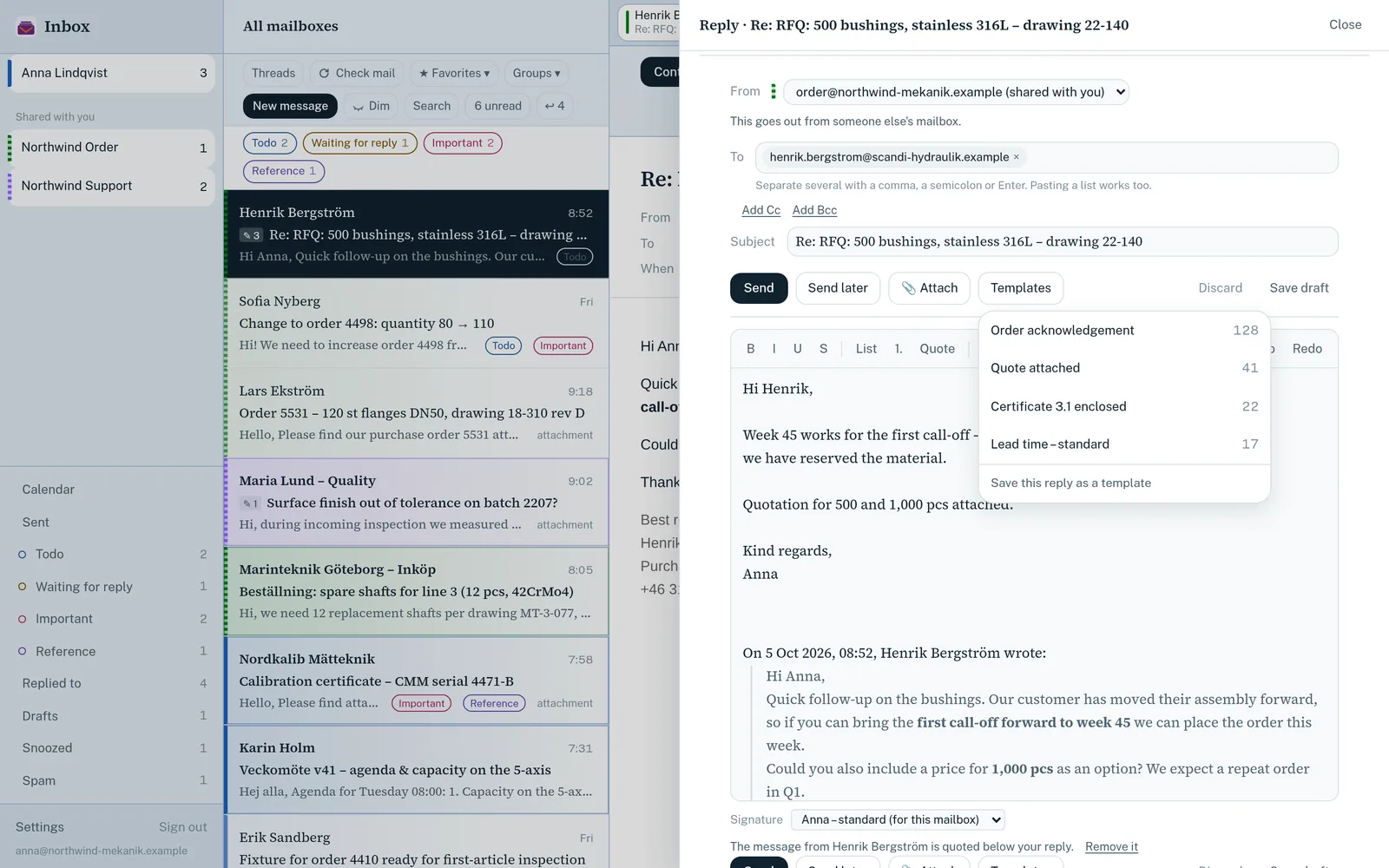
Send later and templates
Schedule a send and reuse replies, ranked by how often you use them.
Filters and search
Write your own filters, search live over IMAP and act on many messages at once.
Safe by default
Scripts never run
Mail is cleaned, sandboxed and blocked from running scripts, in three separate layers.
Remote content blocked
Images and trackers load only when you allow them, per mailbox or sender.
Sender check
A badge shows which domain actually authenticated the sender.
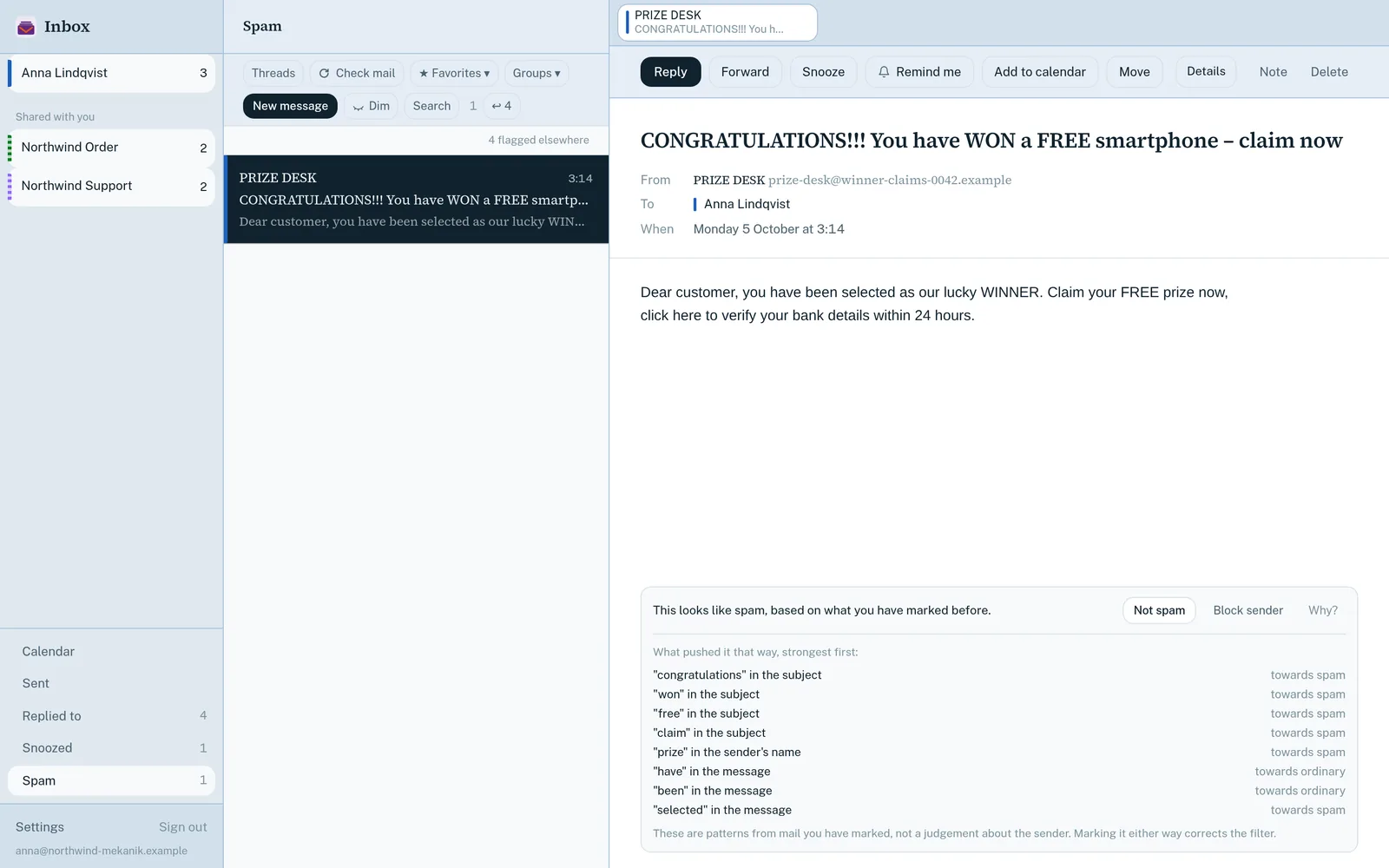
A spam filter that explains itself
It learns from your choices, runs in your browser and shows why it scored a message.
Connected to your business
Knows your customers
With Overwatch, Inbox recognises customers and links to their record.
Thread summaries
Summarise a long thread with AI. The button tells you the text goes to a US AI provider.
Runs on Vault56
Inbox is a Vault56 marketplace app that signs in with your Vault56 account. It uses the platform's email service for live IMAP access, sharing and instant new-mail alerts. Only your preferences, comments and filters are stored; the mail itself stays on your mail server.
- Data and APIs (used)
- Accounts and sign-in (used)
- File storage
- Email (used)
- Realtime and push (used)
- Workflows and automation
- Functions
- AI (used)
- Agents and devices
- Signed updates
- Marketplace and billing (used)
Get Inbox on 11 October 2026
Try the platform today. The products open to everyone on 11 October 2026.