
Create your first Studio app
Describe what you need in your own words, and vault56 AI builds a first version you can see and try right away.
Before you start
- A vault56 account. You can create one for free.
- A few sentences about your app: who it is for, what it must do and how it should look.
Steps
- Open Studio. The start screen asks What do you want to create?. Check the tab at the top (Personal, or one of your organisations) and the Workspace, so the project lands in the right place.
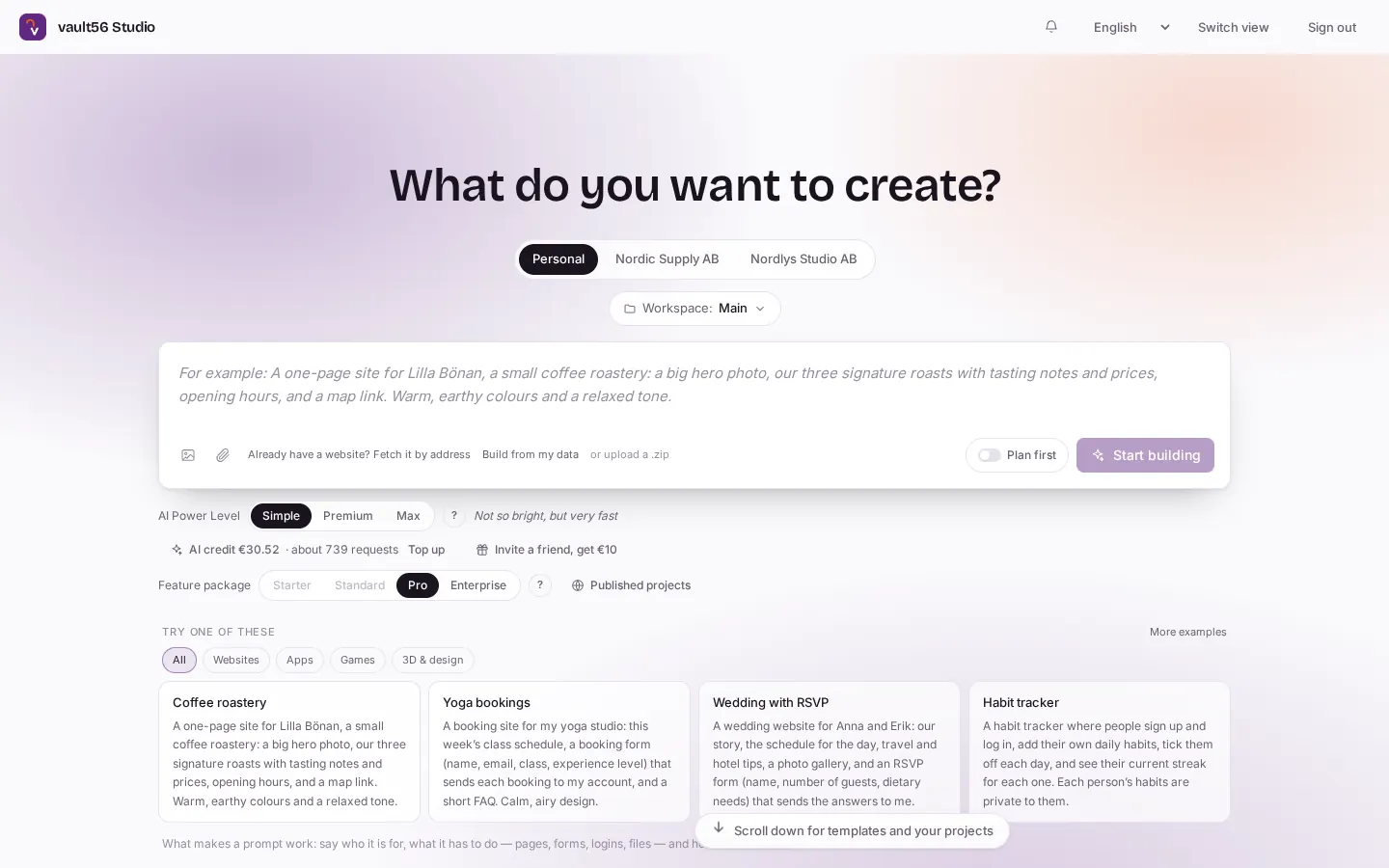
Studio's start screen asks "What do you want to create?". The tabs "Personal" and "Workspace: Main" show where the project will be made. - Click the big text box and describe your app. Say who it is for, what it must do and how it should look. Leave AI Power Level on its default for now.
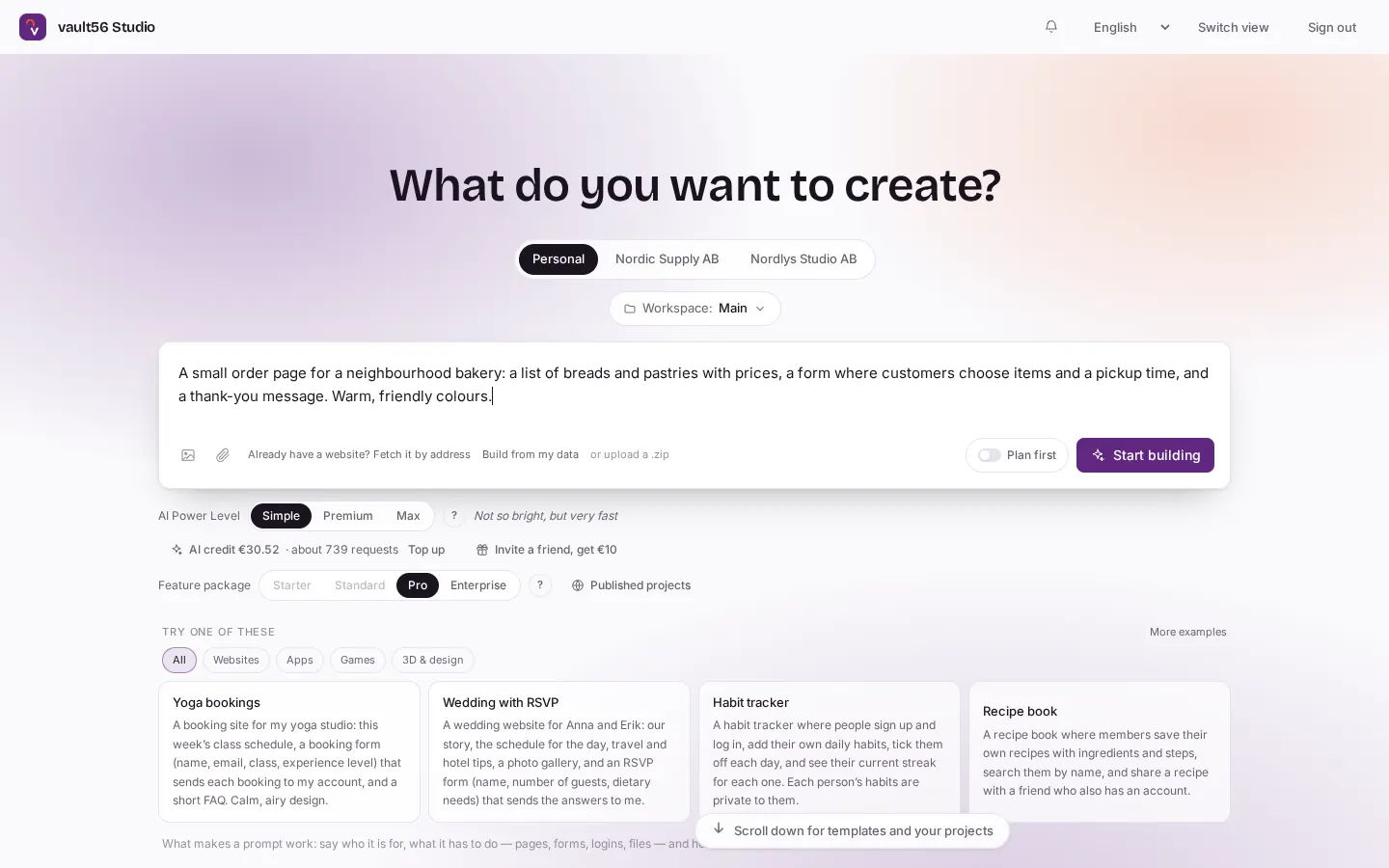
Describe your app in the big box. Under it you find "Already have a website? Fetch it by address", "Build from my data", "or upload a .zip" and the "Plan first" switch. The "AI Power Level" choices are Simple, Premium and Max. - Press Start building. The project opens with the chat on the left and a live preview on the right. A progress card shows that the build is under way. You can leave the page, because Studio keeps building and shows the result when you come back. Cancel stops it.
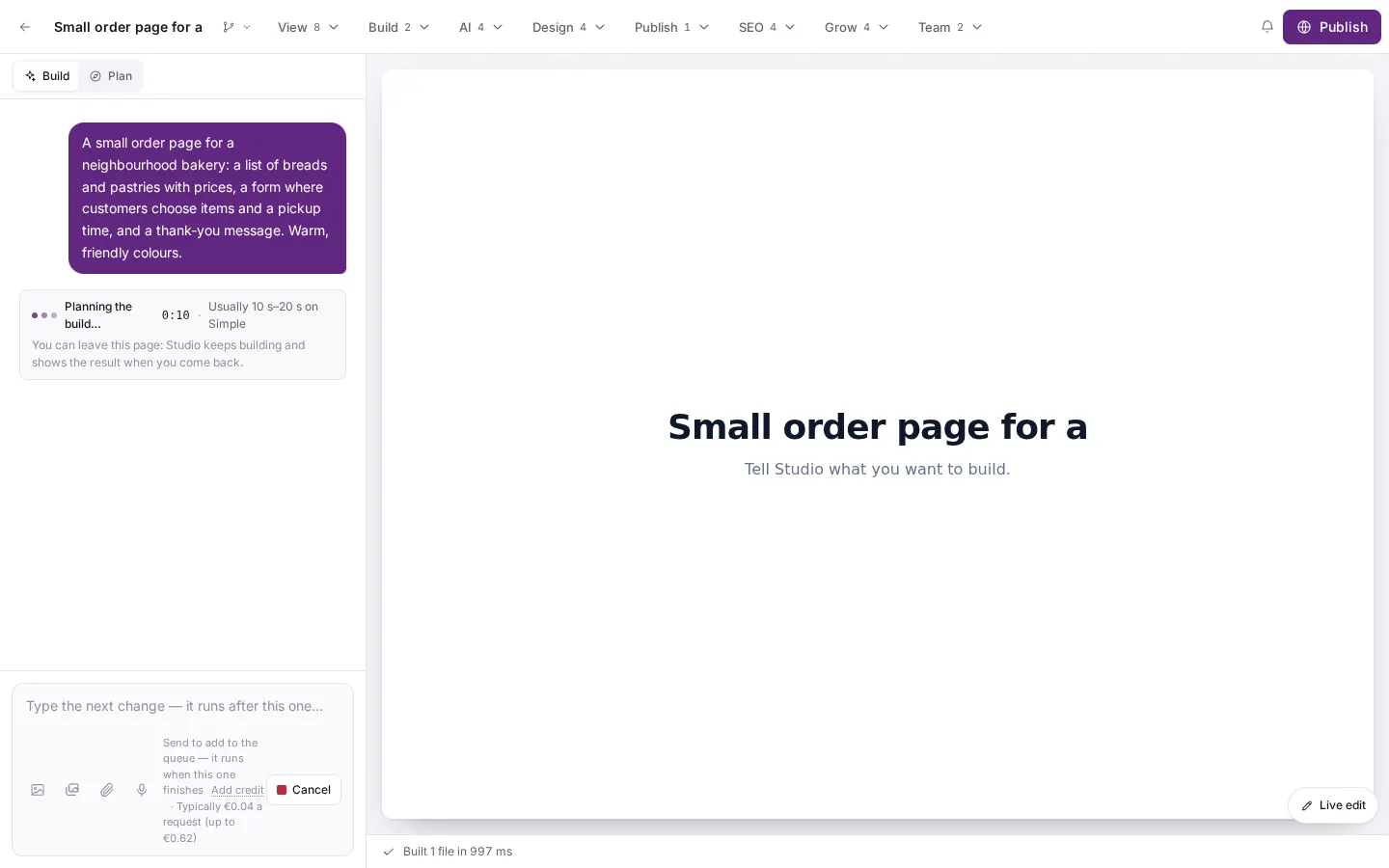
After you press "Start building" the project opens. The chat is on the left and the live preview on the right. A progress card with a red "Cancel" button shows that the build is under way. - When the build stops, the preview shows your first version and the chat sums up what was made. Click around in the preview and try it. To change something, see the guide Change your app by chatting.
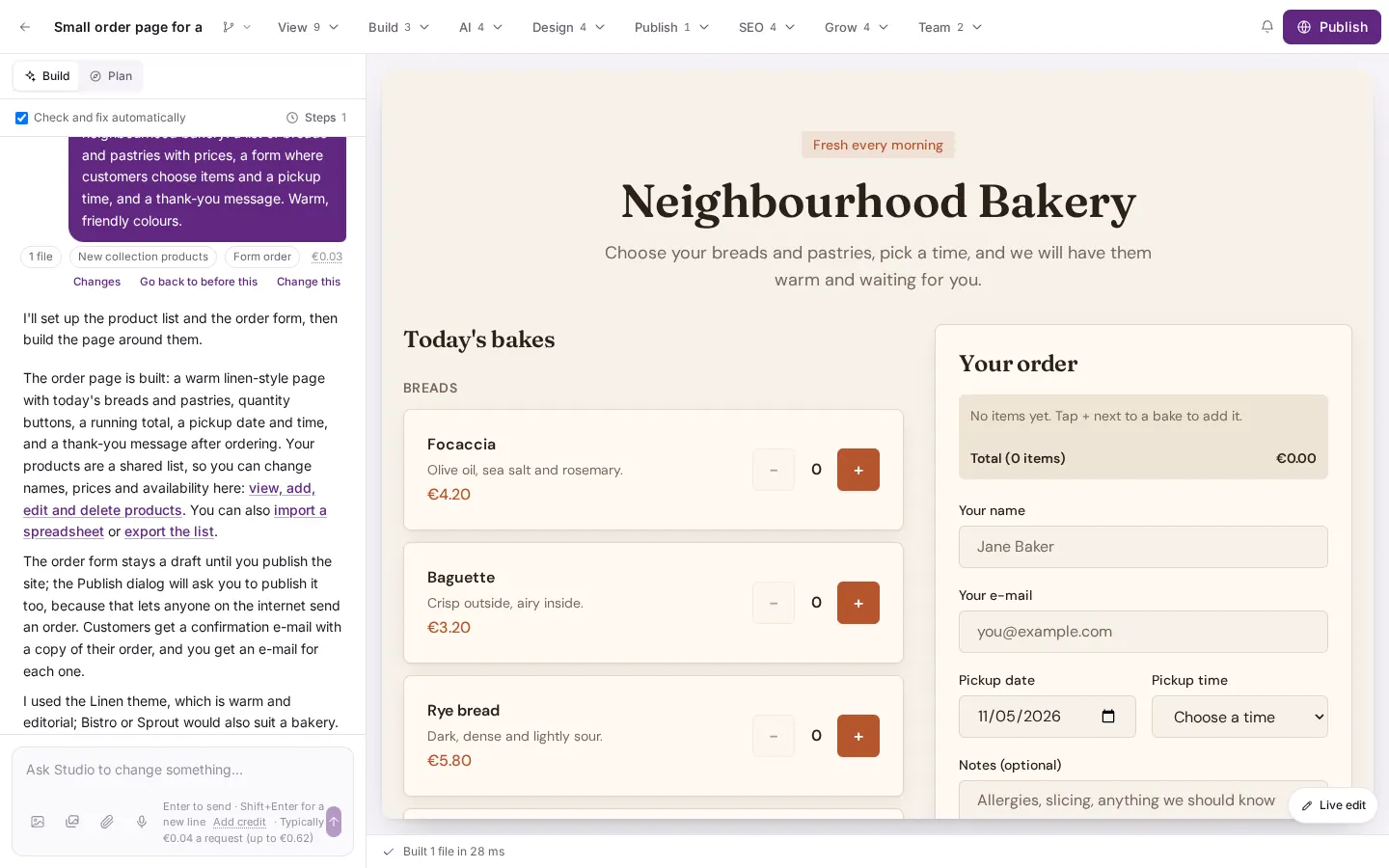
The first version is ready. The chat sums up what was made and offers the links "Changes", "Go back to before this" and "Change this".
Good to know
- The first version usually takes between half a minute and a minute, and costs a few cents of AI credit.
- Studio names the project from your description. Click the name at the top to rename it.
- The page text follows the language of your description.
- If the builder makes a form, such as an order form, it is a draft. It takes answers only after you publish the site.
- If something fails, such as a list that could not be saved, write "try that again" in the chat.